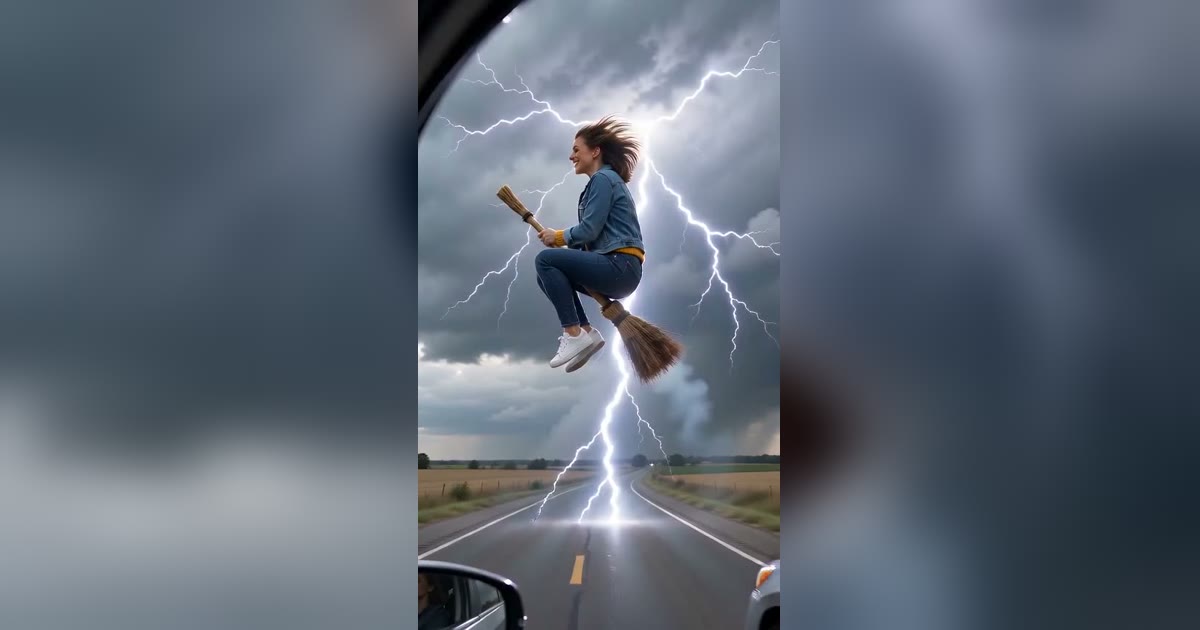
How to Make a Flying Broom AI Video From One Photo
A step-by-step guide to making a flying broom (broom riding) AI video of yourself or your pet, with which scene to pick, what it costs and how to post it.
A flying broom video is a 10-second clip of you, or your pet, riding a broomstick through a scene: beside a car at a red light, into a road sign, past the full moon. You do not film anything. You upload one photo and an AI video model makes the clip.
Here is the whole process on BroomRidingAI, start to finish.
1. Pick your scene
Each scene is a different broom trend:
| Scene | What happens | Best for |
|---|---|---|
| My Ride Is Here | Hover beside a car at a red light, fly off on green | The classic joke |
| Witch Broom Crash | Peace sign, then a road sign | The biggest laugh |
| Flying Witch | Across the full moon in a hat and cape | A Halloween post that looks good |
| Pet Broom Ride | Your dog or cat on the broom by the car | Pets |
| Broom Car Chase | Race a car, get hit by lightning | Something new |
| Halloween Night | My Ride Is Here at night, with a witch hat | Spooky version of the classic |
Not sure? Every broom trend variant explains each one.
2. Choose a photo
The photo decides how much the rider looks like you. In short:
- one person, face clearly visible, no sunglasses
- sharp and well lit
- waist-up or full body, so the model sees your clothes and posture
For a pet: one animal, whole body in view. More detail in which photo works best.
Only use photos of yourself, of adults who agreed, or of your own pet.
3. Pick a quality
- Standard 480p: from $6.60 per video. Fine for TikTok, Reels and Shorts.
- High quality 720p: from $9.90 per video. A sharper picture on a stronger model.
Packs of 3 and 8 videos cost less per video. They are one-time purchases with no subscription, and unused videos never expire. If a generation fails, the video comes back to your balance automatically. Pricing has the full list.
4. Generate and wait
Generation usually takes 2 to 6 minutes. You can leave the page; the finished video is saved in My Creations.
Every video is 10 seconds, vertical 9:16, with sound made for the scene: road noise, wind, a clang, thunder. There is no music, so you can add a trending sound.
5. Check it and post
Watch it before you post. Likeness is strongest in close-ups and can drift when the rider is far away or turning; that is normal for AI video. If you do not like a result you can generate again from another photo, but a result you do not like is not a failed generation, so it uses a video from your pack.
Then download it and add a caption in CapCut, TikTok's editor or anything else. Captions that set up the joke work best: "my ride is here", "flying to work like", or nothing at all for the crash.
Want to see the prompts?
Every scene runs a prepared prompt, so you never write one. If you are curious how they are built, all of them are on the prompt page.
More Posts
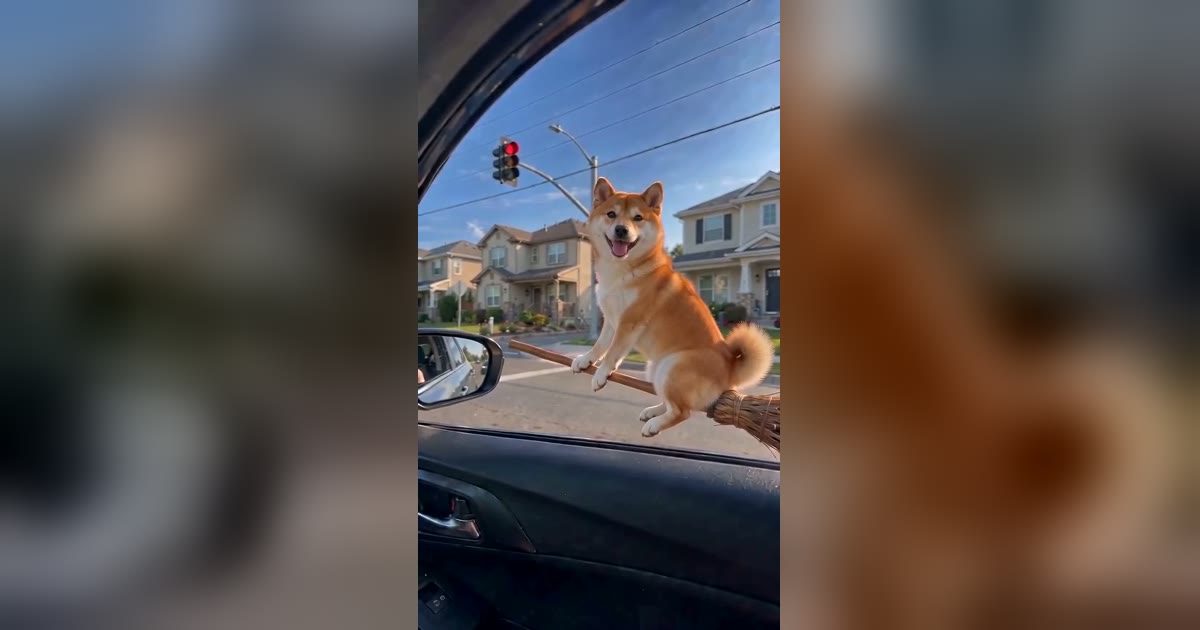
Which Photo Works Best for a Broom Riding AI Video?
The photo you upload decides how much the broom rider looks like you. What makes a good photo, what to avoid, and what changes for pets.

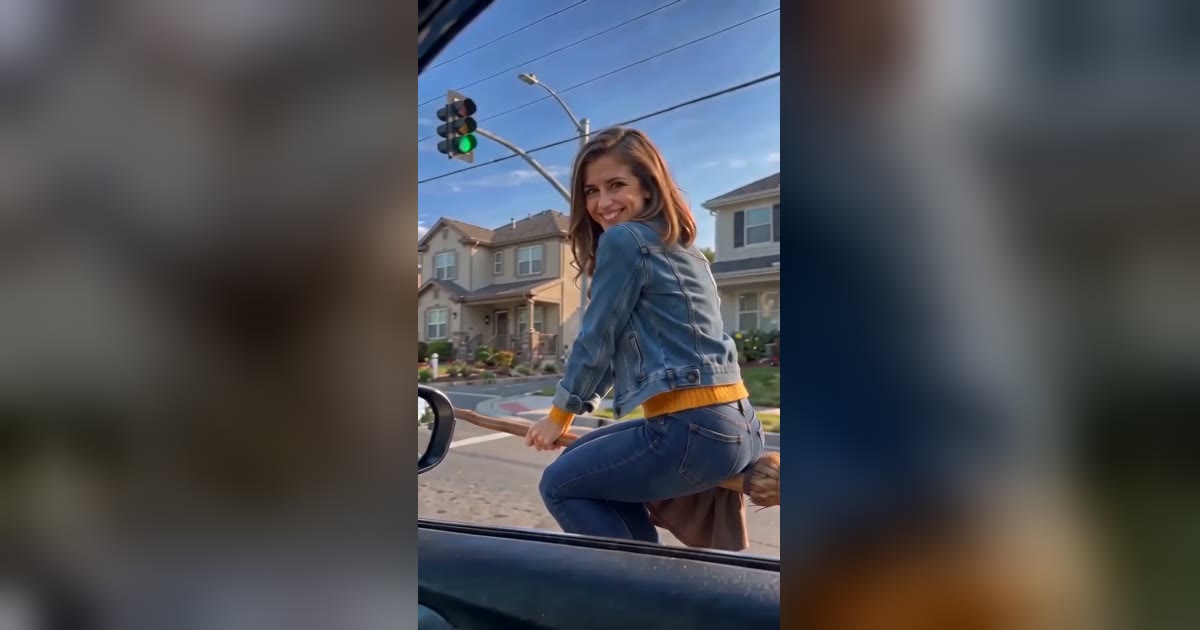
What Is the My Ride Is Here Trend? The Flying Broom Video Explained
My Ride Is Here is the flying broom video where someone hovers beside a car at a red light and flies off on green. What it shows, where the name comes from, and how to make it from one photo.
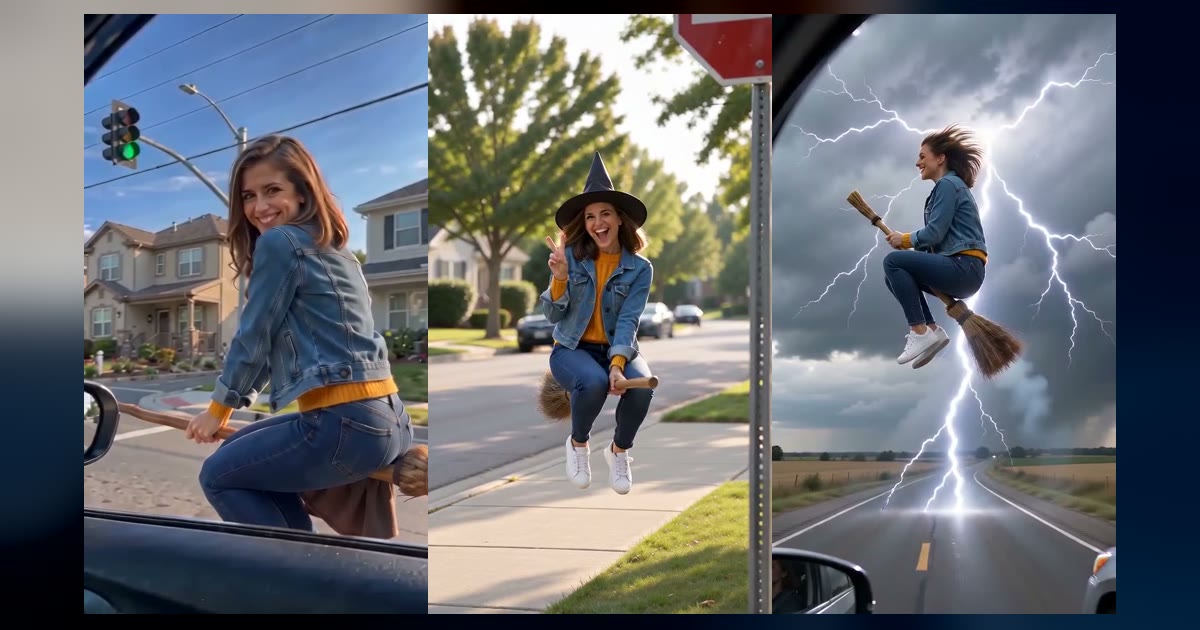
Every Broom Trend Variant: My Ride Is Here, Witch Broom Crash, Flying Witch and More
The flying broom trend split into several versions in October 2026. Here is what happens in each one, what people call it, and how to make it from one photo.