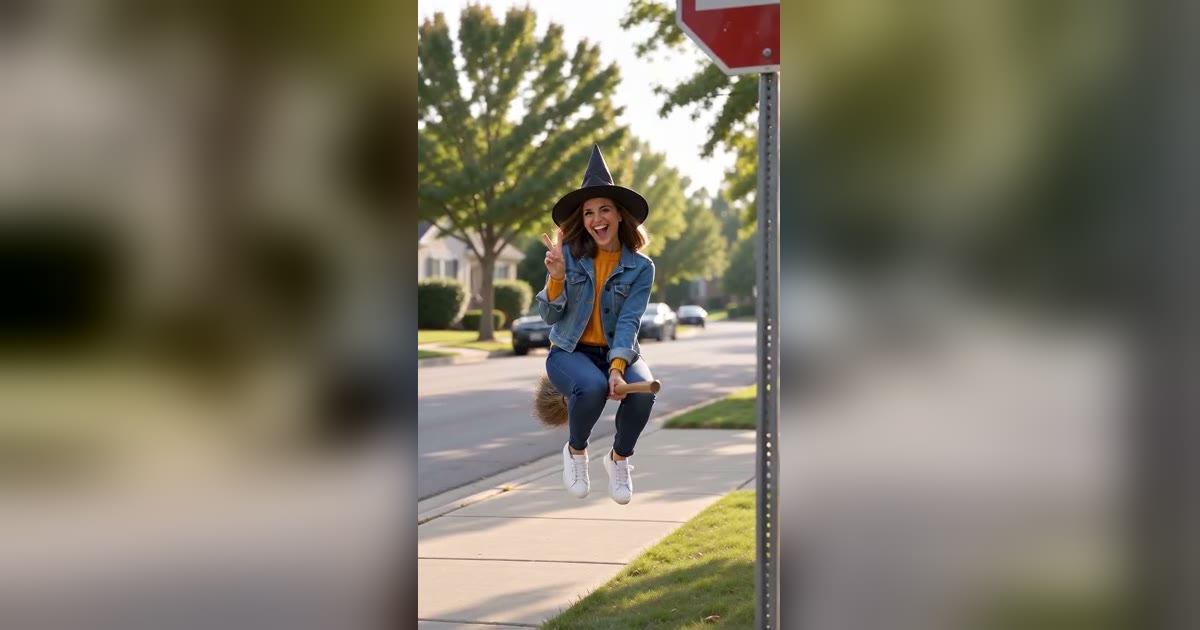
What Is the Witch Broom Crash Trend? Fly In, Peace Sign, Crash
The Witch Broom Crash is the funny follow-up to My Ride Is Here. What happens in the clip, why it is called the Harry Potter broomstick crash filter, and how to make yours from one photo.
The Witch Broom Crash is a 10-second joke. Someone rides a broom down a quiet street toward the camera, takes a hand off to flash a peace sign, and while they are busy posing for the lens, flies straight into a road sign.
It is the second wave of the flying broom trend. The first wave, My Ride Is Here, was about calm: a rider hovering beside a car as if a broom were a normal commute. The crash version keeps the broom and adds a punchline.
What happens in the clip
Most versions follow the same beats:
- The approach. A wide shot of a suburban street. The rider comes toward the camera low above the road, relaxed.
- The pose. Close to the camera they let go with one hand, throw a peace sign and grin into the lens.
- The crash. They are not looking where they are going. The broom drifts sideways and they hit the sign pole. Clang.
- The landing. In the funny versions nobody gets hurt: the rider slides onto the grass, the hat falls off, and they sit up laughing.
The peace sign matters. It sets up the crash: the rider is showing off at exactly the wrong moment.
Why so many names?
People found this clip through a template or a repost and named it whatever they saw. You will see it as:
- witch broom crash or witch broom trend, the most common names
- broom crash
- funny flying, after a CapCut template name
- Harry Potter broomstick crash filter, because a broom crash makes people think of Quidditch. It is not a Harry Potter filter and has no connection to the franchise.
They all describe the same clip: fly in, peace sign, crash.
When it started
The calm My Ride Is Here clips were everywhere by mid-October 2026. The crash version spread in the second half of the month, in the run-up to Halloween. Like most of these trends, nobody has confirmed an original creator, and most posts are AI-generated rather than filmed.
How to make your own
You do not need a broom, a stunt or a CapCut template. The Witch Broom Crash generator makes the whole clip from one photo:
- Upload a clear photo of yourself. Full body is best, since the whole rider is on screen during the approach.
- Pick Standard 480p or High quality 720p.
- Generate. It usually takes 2 to 6 minutes, and the video is saved in My Creations.
The scene adds the witch hat, the street, the sign and the sound: wind, the clang, a surprised "oof" and laughter. Download it and add your caption in any editor.
Tips for a funnier crash
- Face clearly visible. The peace sign is a close-up, and that is where people recognise you.
- Bright clothes. They read well against the street during the approach.
- Caption the setup, not the crash. "Flying to work like" with a peace-sign emoji lets the clang do the work.
- Keep the sound on. Most of the joke is the clang.
Related
Author

Categories
More Posts
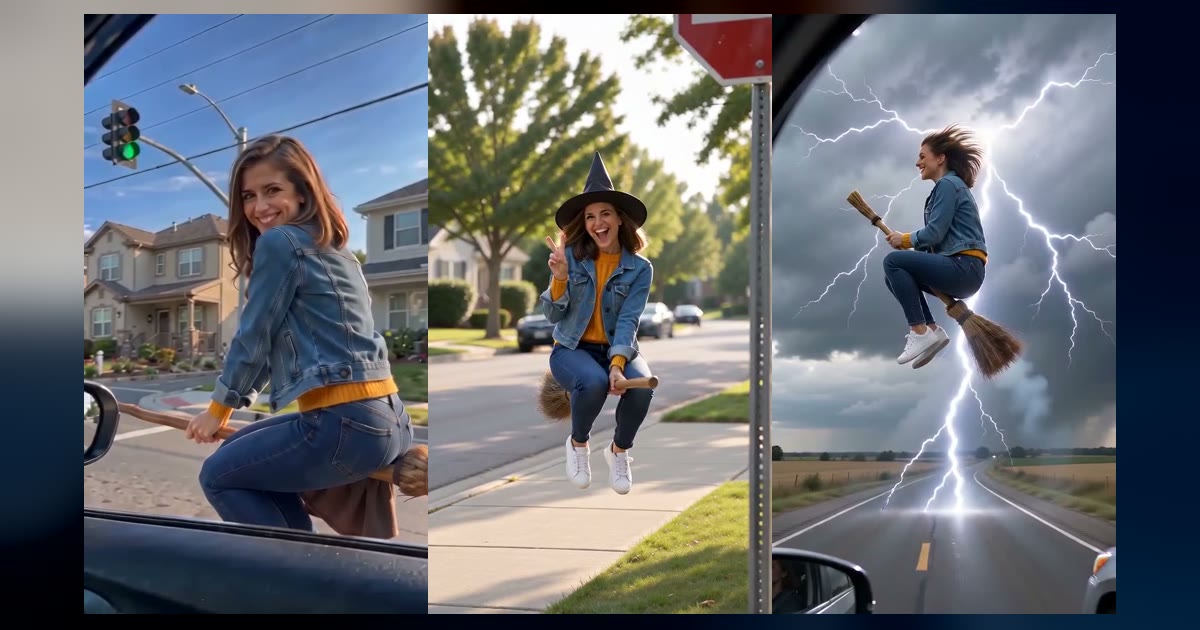
Every Broom Trend Variant: My Ride Is Here, Witch Broom Crash, Flying Witch and More
The flying broom trend split into several versions in October 2026. Here is what happens in each one, what people call it, and how to make it from one photo.
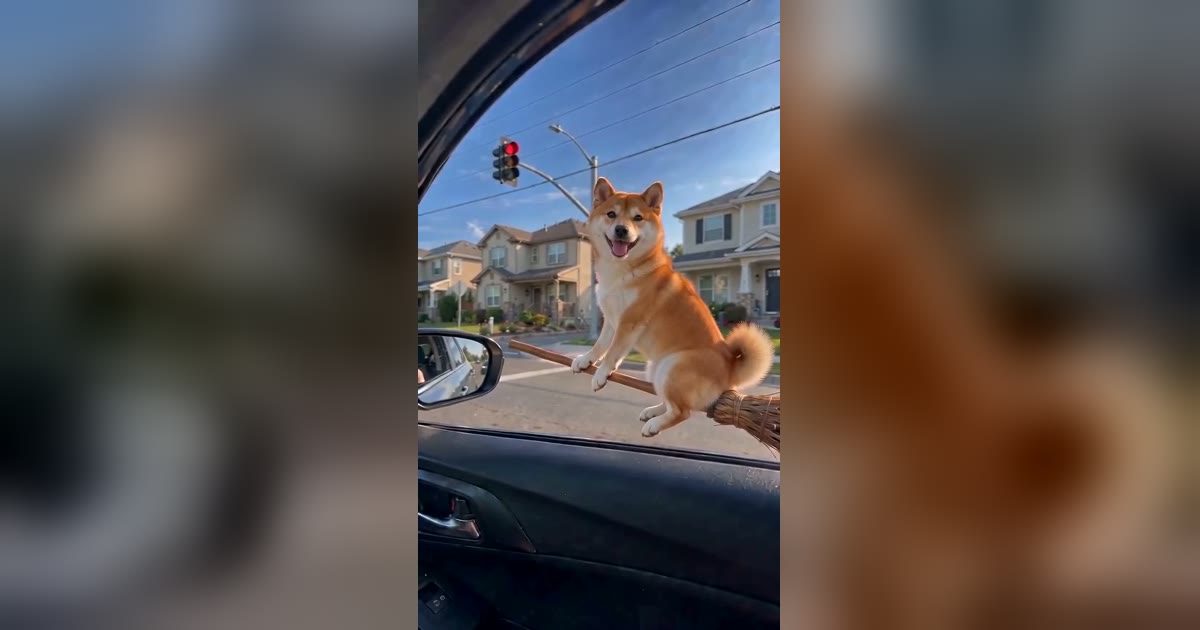
Which Photo Works Best for a Broom Riding AI Video?
The photo you upload decides how much the broom rider looks like you. What makes a good photo, what to avoid, and what changes for pets.
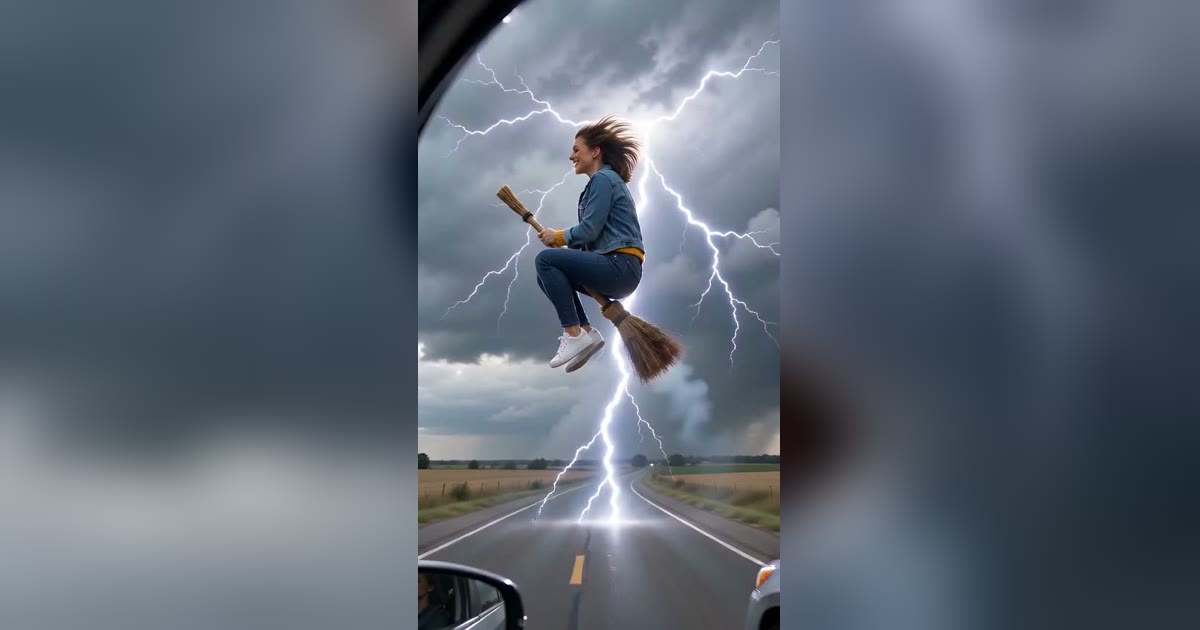
How to Make a Flying Broom AI Video From One Photo
A step-by-step guide to making a flying broom (broom riding) AI video of yourself or your pet, with which scene to pick, what it costs and how to post it.